Image Ads
One photo in. A batch of ads out.
Pick a format, a layout and a message. Chrishi generates the scene, places your prepared product photo on it unchanged, and sets your words in real type. Compare versions side by side and keep the ones you like.
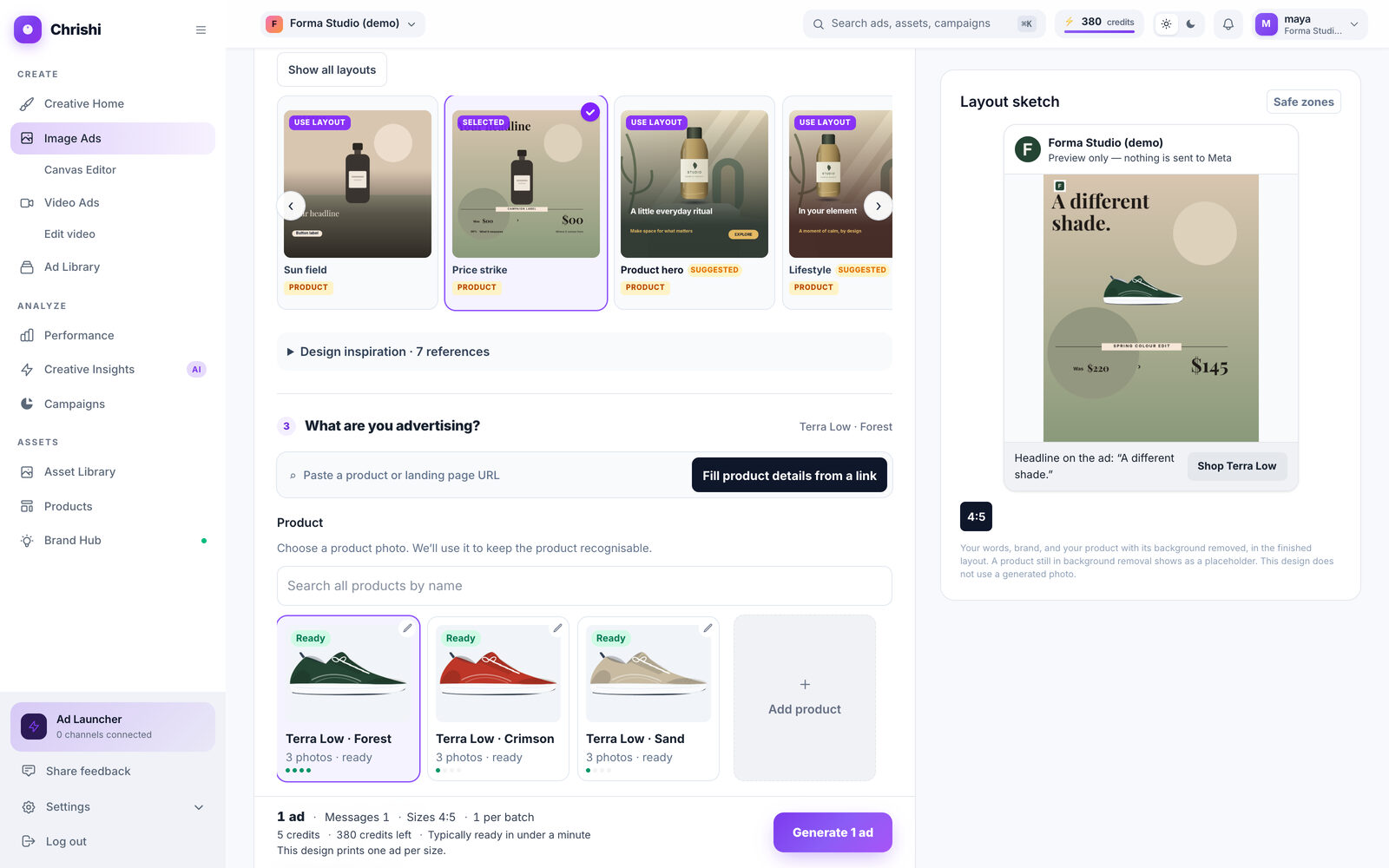
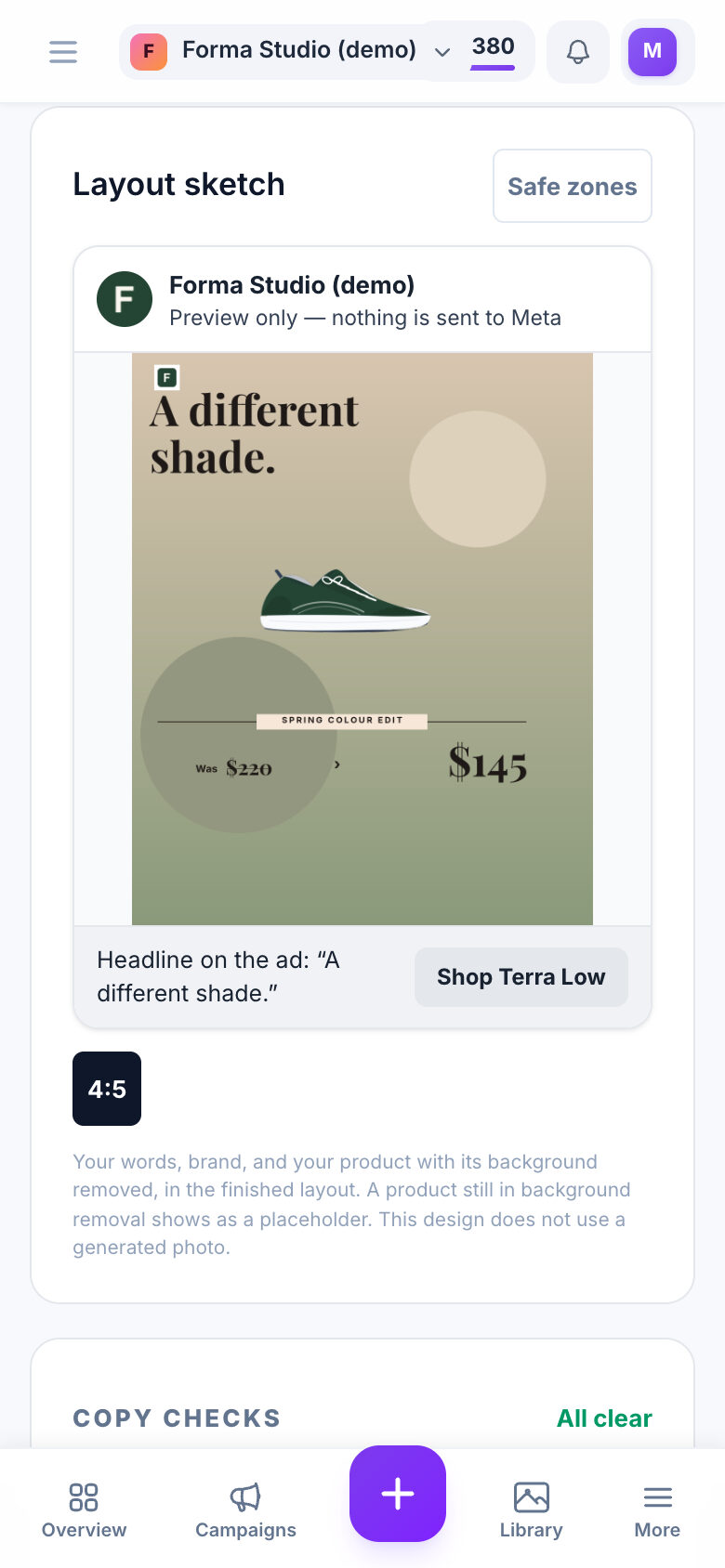
The brief
What you decide, in five steps
The brief page asks five questions, in this order. The credit cost is shown before you generate.
-
Format
Single image for the feed, or Stories & Reels full-screen.
In the app: “Which format?” -
Layout
Pick a kind of ad, then a layout from the library. The layout decides where the photo, headline, price and button sit.
In the app: “Choose your layout” -
Subject
A product from your catalog with its photo, or, for software and services, a name and the facts you give.
In the app: “What are you advertising?” -
Message
Your headline, offer and price in your own words, or free suggestions that stay inside your approved claims.
In the app: “What should it say?” -
Sizes and destination
Pick one or more sizes, where the ad is meant to run, and the page people should land on.
In the app: “Sizes and destination”
The fidelity rules
The AI paints the scene. The rest is exact.
An Image Ads picture is built from three separate pieces. Only one of them comes from a model.
- The scene Painted by the AI: empty, with no letters
- Your product photo Placed as it is, never repainted
- Your words Typed by Chrishi, in real type
- The finished ad Text kept inside Meta’s safe area
-
Your product is placed, not repainted.
For physical products the AI paints an empty scene and your prepared product photo is placed on it as it is. The one exception is clothing shown worn on a model, which is an AI edit of your photo.
-
Your words are typed, never drawn.
Headline, offer, button text and price are set as real text by Chrishi’s layout software. The image model is told to draw no letters at all.
-
Prices come from your text, never invented.
A price is printed only when you wrote it, in the price fields or in your brief. A fixed rule reads it and no model guesses, so a number you never wrote cannot appear.
-
Placement follows layout rules.
Where the headline, price, chips and logo sit is decided by layout rules, not by a model’s judgement. When something is wrong, the rule can be fixed.
Four sizes
Formats and Meta keep-out zones
Meta’s phone interface covers the right edge and the bottom of every ad. Layouts place your text inside the safe area, in every size.
-
1:1 1080²
Right 64 px · bottom 86 px
-
4:5 1080×1350
Right 96 px · bottom 189 px
-
9:16 1080×1920
Right 96 px · bottom 346 px
-
16:9 1920×1080
Right 77 px · bottom 108 px
Striped areas are where Meta’s buttons and captions cover the ad on a phone. Layouts keep your text out of them.
| Size | Runs in | Pixels | Keep-out right | Keep-out bottom |
|---|---|---|---|---|
| 1:1 Square | Feed | 1080² | 64 px | 86 px |
| 4:5 Portrait | Feed | 1080×1350 | 96 px | 189 px |
| 9:16 Tall | Stories & Reels | 1080×1920 | 96 px | 346 px |
| 16:9 Landscape | Feed | 1920×1080 | 77 px | 108 px |
In Canvas the strips are drawn on the artboard so you can see them. They are guides only and are never exported with your ad.
Side by side
Compare, don’t guess.
Put versions next to each other instead of picking one and hoping. Each comparison varies one thing on purpose.
-
Compare backgrounds
One message, set against up to 3 backgrounds in up to 4 sizes. Same words, different settings.
- 1 to 3 backgrounds
- 1 to 4 sizes
- One message
-
Compare messages
Two or three selling messages across up to 3 backgrounds, in exactly one size. One ad per cell.
- 2 to 3 messages
- 1 to 3 backgrounds
- One size
The backgrounds are Studio, Soft gradient and Natural setting. They are instructions to the AI, not guarantees: two scenes made from the same instruction can still differ in detail.
The design library
From the design library
Eight of the layouts, shown on invented brands. They are layout studies, never customer work.
-
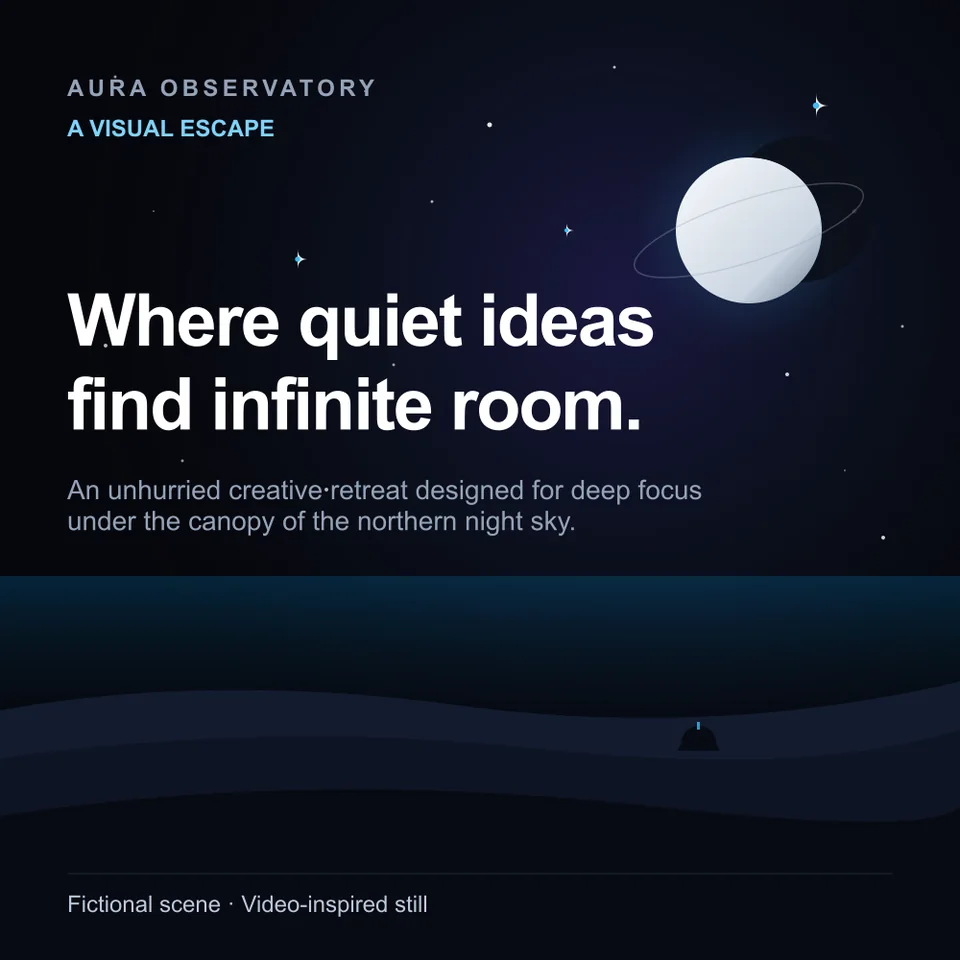
Cinematic Brand Scene Brand · 1:1 Layout example · fictional brand -
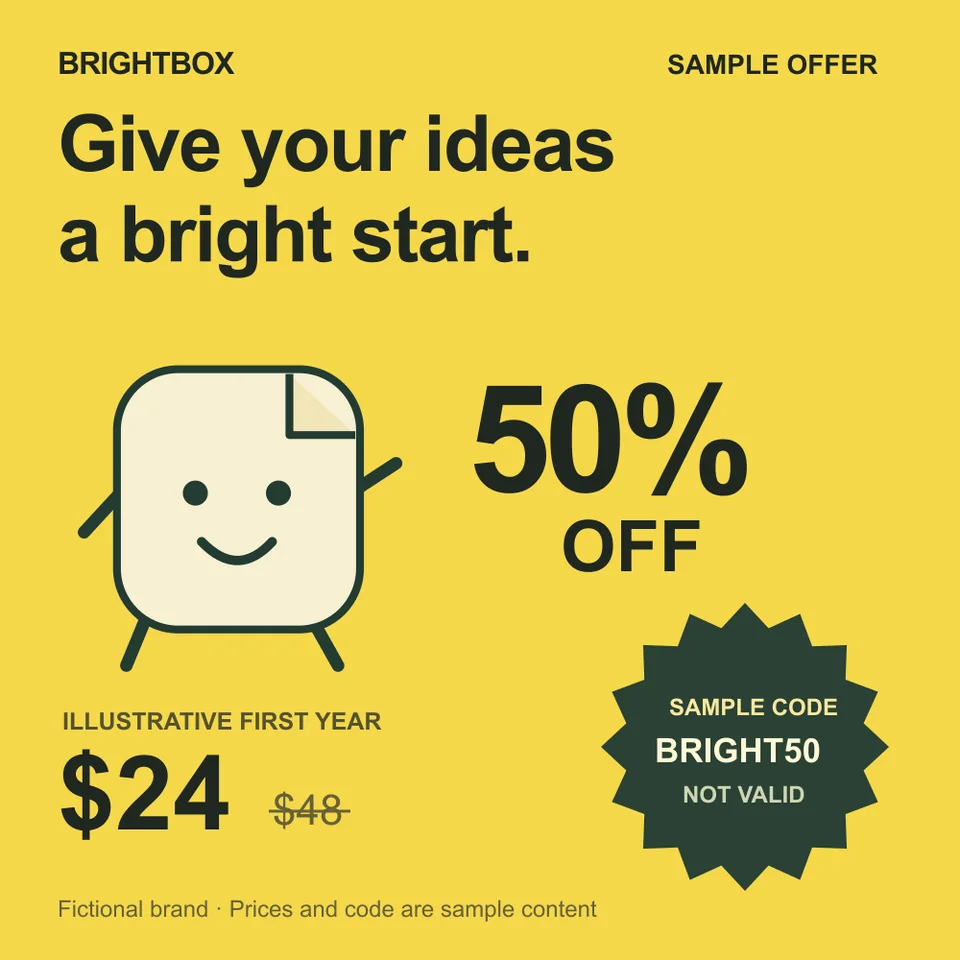
Big Discount Promotion · 1:1 Layout example · fictional brand -
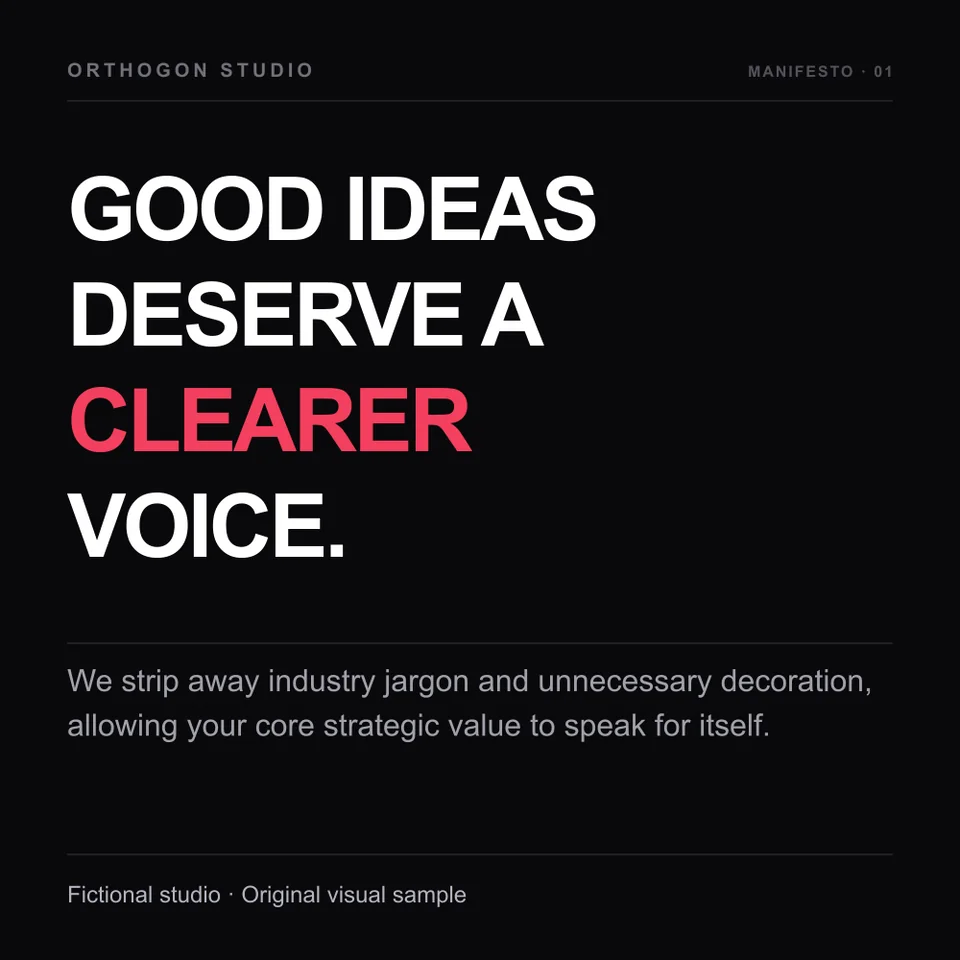
Bold Type Statement Brand · 1:1 Layout example · fictional brand -
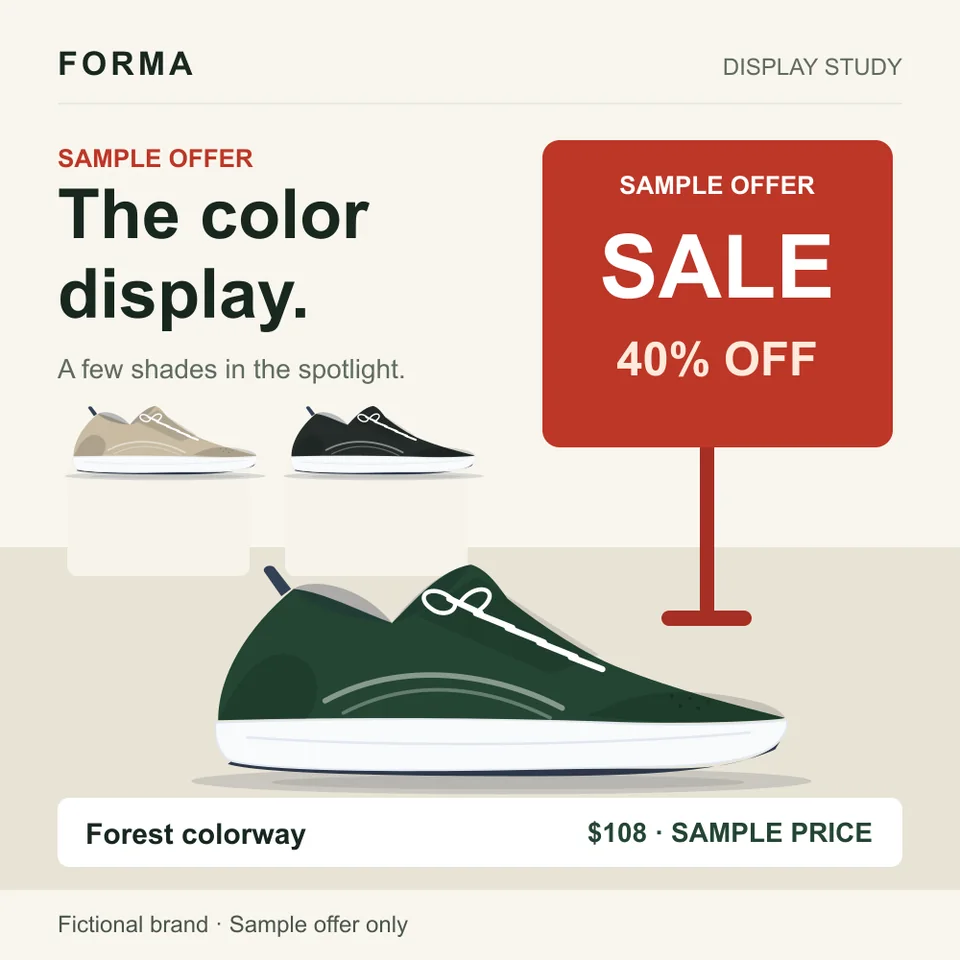
Retail Sale Display Promotion · 1:1 Layout example · fictional brand -
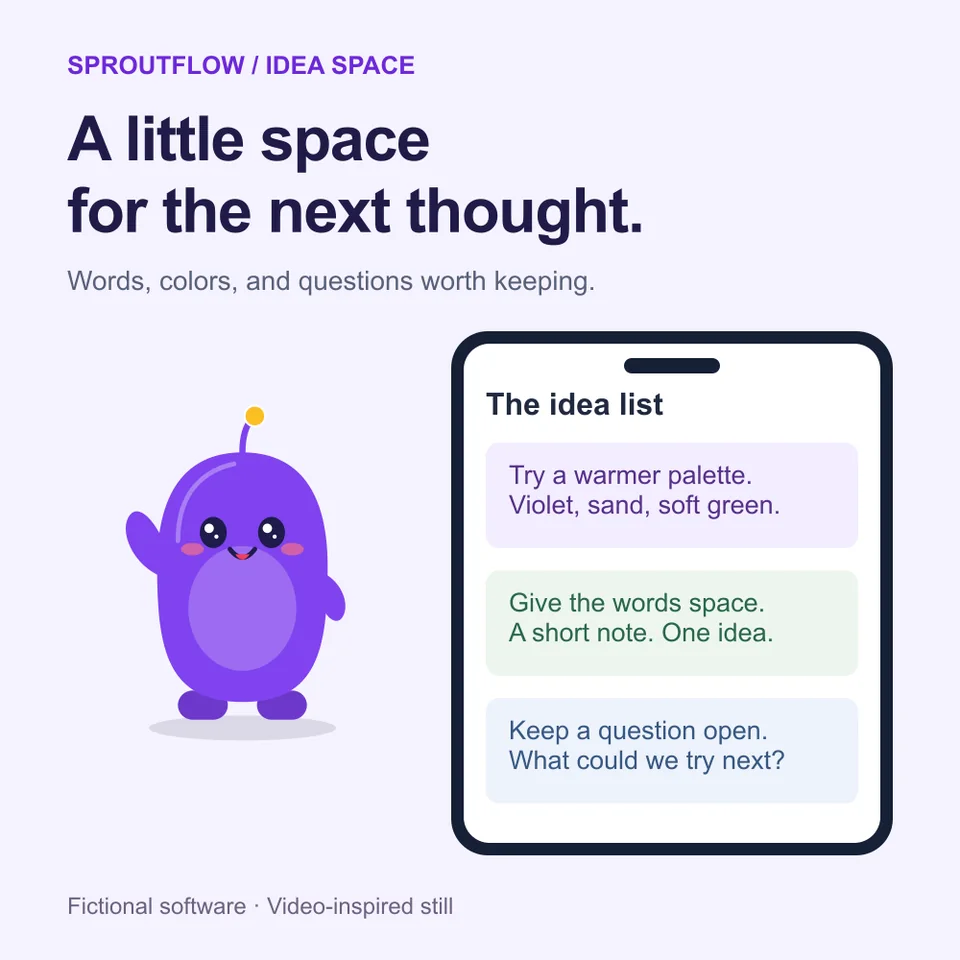
Mascot & Phone Spotlight Software · 1:1 Layout example · fictional brand -
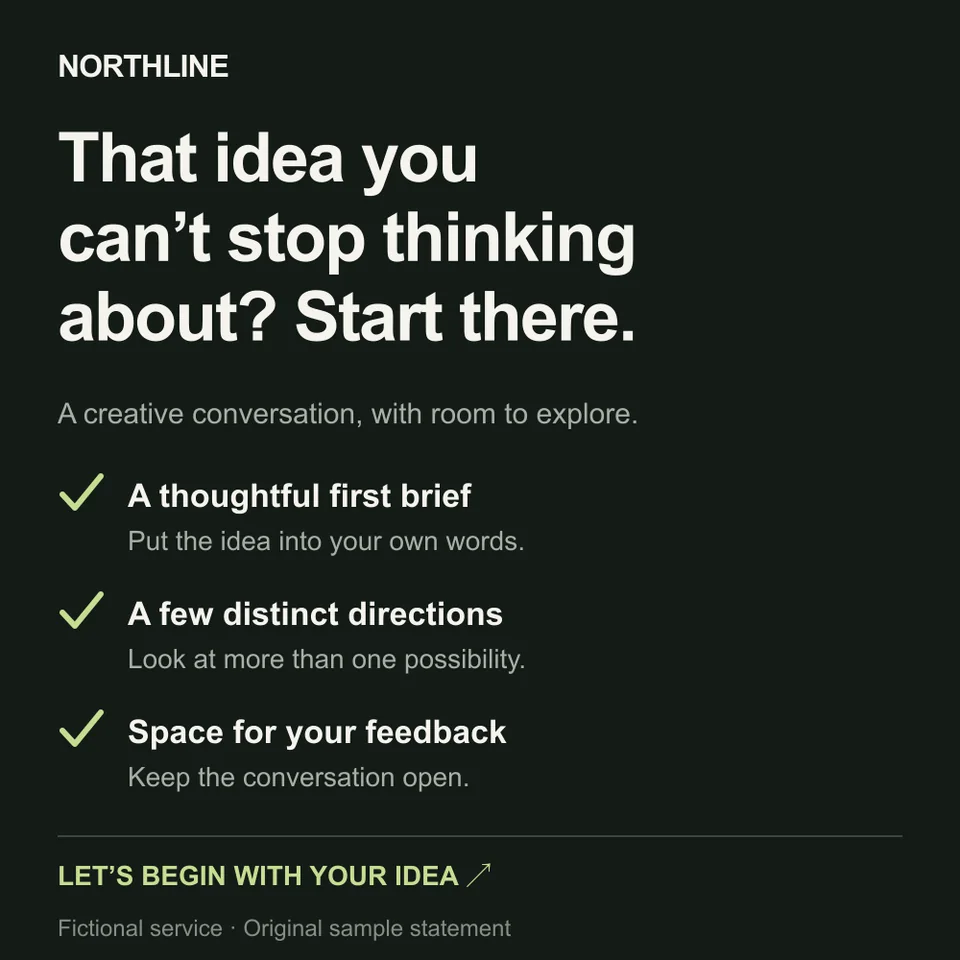
Checklist Statement Service · 1:1 Layout example · fictional brand -
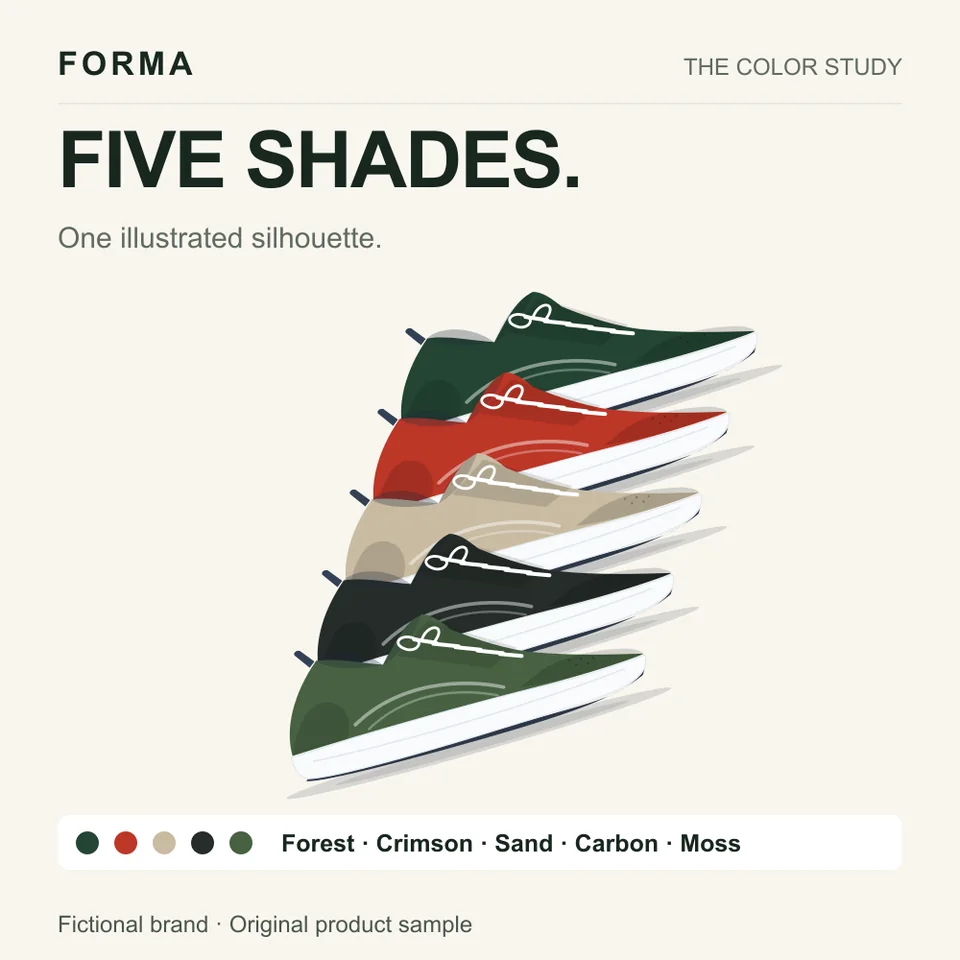
Floating Product Stack Product · 1:1 Layout example · fictional brand -
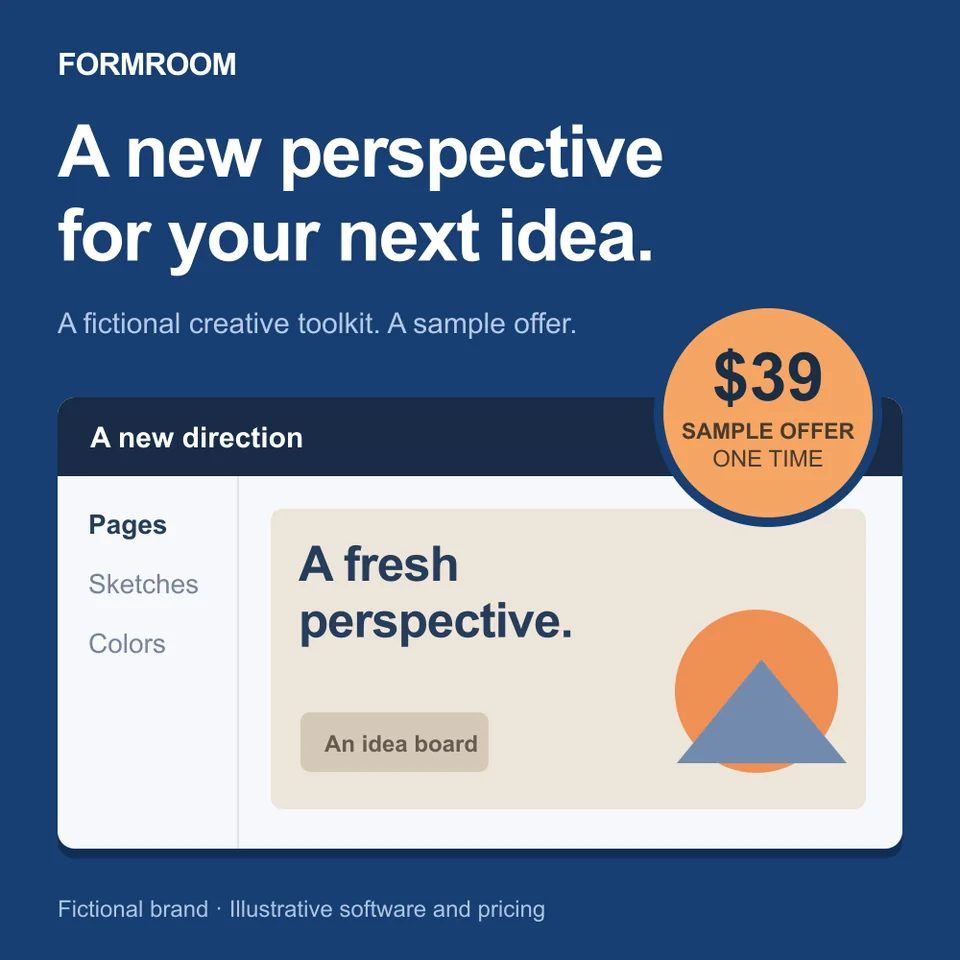
Software Offer Showcase Promotion · 1:1 Layout example · fictional brand
- 69 layout designs Every one at 1:1, 4:5 and 9:16; 6 also at 16:9
- 12 open-licence typefaces Real type, set by the compositor
- 12 partner logos per workspace For a logo band along the bottom
The price, up front
What it costs, what you get back
- Per generated ad
- 5 credits, shown before you generate. On Growth that is about 35¢ an ad: $69 for 1,000 credits, 5 credits each.
- Writing the copy
- Suggestions are free. You pay only to generate.
- Partial batch
- If only part of a batch arrives, the missing share is refunded.
- No result
- If nothing arrives, everything still outstanding is refunded.
- Download
- PNG for one ad, ZIP for several: up to 24 ads at a time, 15 MB per file and 120 MB per archive.
- Next step
- Save as a campaign draft (this needs a connected Meta ad account), then send it paused for 10 credits.
4 ads Messages 2 · Sizes 1:1 and 4:5 · 1 per batch
4 × 5 credits = 20 credits
You confirm on the next step
Then, if you want it on Meta
Send to Meta (paused) 10 credits, refunded if the send fails. You switch it on in Ads Manager.
How sending worksMake one for your product.
Paste your store address for a free concept, or start with 25 credits and brief your first batch.